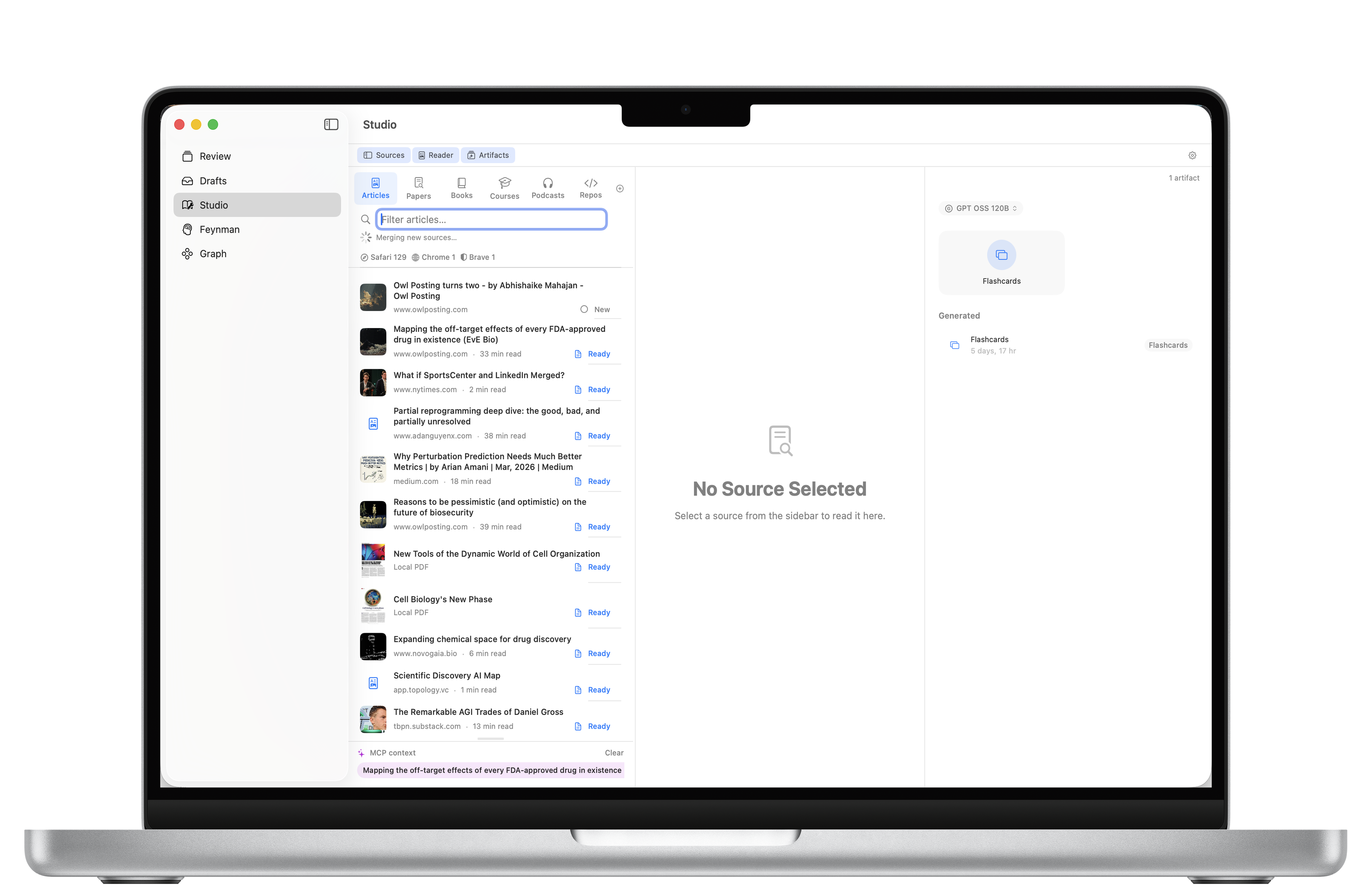
Track everything you read, watch, and listen to. Schedule your week, listen to articles, and quiz yourself with in-app Chat or Claude, ChatGPT, Gemini, and Grok.
Free. Works with your existing AI subscription. macOS 14+
Assign sources to each day, move work when plans change, and see progress after reviews are completed.
Review sources with your configured API provider and save Feynman sessions back into the library.
Read Aloud turns text sources into audio with on-device speech or cloud TTS providers.
Studio shows the sources you have collected, the reader, Chat, and Schedule in one workspace. Assign sources to the week, complete them by saving a Feynman-style review, then resurface the lessons from those chats over time.
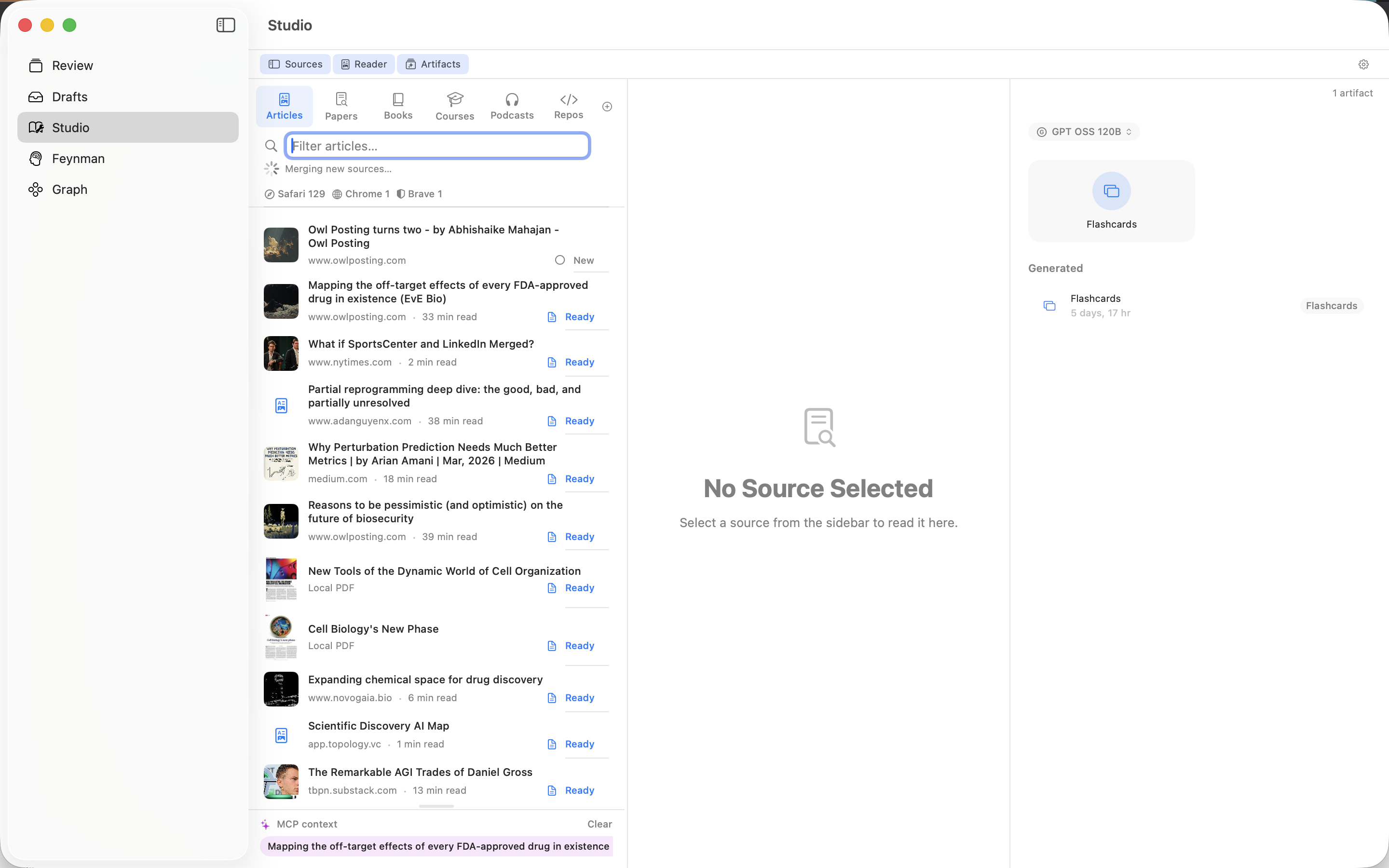
Add anything you learn from. FeynmanLM keeps it all in one library in your iCloud.
Find what you need across all your sources instantly, then assign it to a day in Schedule.
Use the built-in Chat panel with your API key, or drag sources straight into Claude, ChatGPT, Gemini, or Grok. Also supports MCP for a persistent connection to your full library.
Research is clear: quizzing yourself is the single most effective way to learn. The AI tests your understanding, probes gaps, saves your sessions, and updates Schedule progress when reviews are linked. Those chats become a record you can resurface over time. (Andrej Karpathy on this)
Read Aloud turns articles and text sources into audio with on-device macOS speech or configured cloud TTS. Cached audio makes repeat listening faster.
FeynmanLM is not a note-taking app. There are plenty of those. It's a source tracker and learning tool. You bring the content, AI brings the quizzing. Read more about our approach →
FeynmanLM is a free macOS app. Works with your existing AI subscription or your own API keys. All data stays in your iCloud.